
Manage harms
A harm is injury or damage: to a person’s health, to property, or to the environment. Harms carry the severity used in every risk assessment, so this list does more work than its length suggests. Get it agreed before you start scoring risks, because changing a severity afterwards moves every risk attached to it.
When a safety risk names a harm as its outcome, the risk takes its severity from that harm. You never set severity on a risk. Changing the severity of a harm that several risks already point at re-scores all of them, which can move them between statuses, and on a large register the update takes a while to work through.
What goes in each field
| Field | What goes in it |
|---|---|
| Summary | The harm in a few words, for example a burn, an infection, or a delayed diagnosis. |
| Description | The harm elaborated: what happens to whom, and under what circumstances. |
| Severity | How bad the harm is, chosen from the severity scale configured for the space. This is the value every risk naming this harm inherits. |
| Justification | Why the harm applies, and why its severity is the one you chose. Also the field you use when ruling a harm not applicable. |
| Evidence | Links to the controlled documents in Document Control that carry the proof for the applicability and the severity. |
| Assignee | Who is working on this harm. Not mandatory, worth setting anyway. |
Create harms
- Open the space and go to the Safety Risk page.
- Open the Harm table.
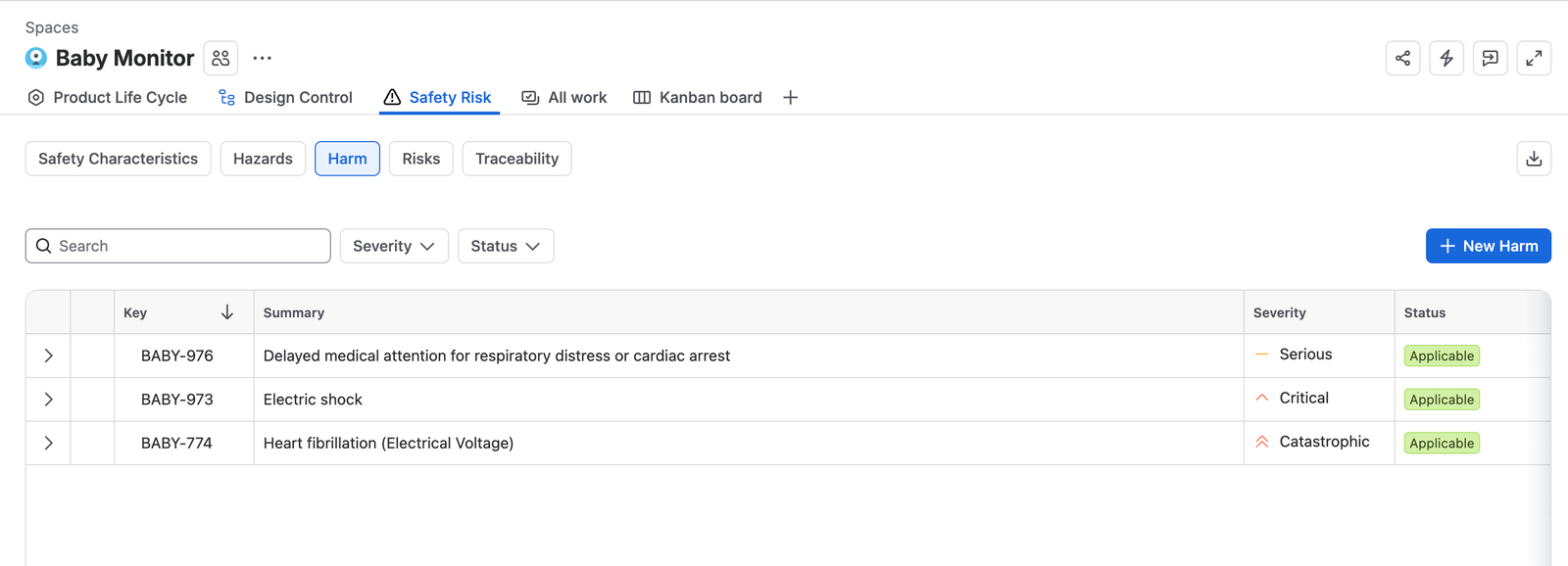
The Harm tab, listing three harms with their severity and status, and filters for severity and status above the table. - Click + New Harm to add one by hand, fill in the Summary and Description, then click Create.
- To build the list in bulk, upload harms from a CSV file, or clone them from the Standard & Regulations space.
- Fill in the Summary, the Description, and the Severity.
Most organizations keep a default harm list and reuse it across products. The severities then mean the same thing everywhere, and two products cannot quietly grade the same injury differently.
Review a harm and rule on it
Spaces usually carry only applicable harms, since listing harms your product cannot cause adds nothing. Working from a company-wide list of agreed harms and ruling on each one per space is equally acceptable, and it is the reason the applicability statuses exist here at all.
- In the Harms table, select the harm.
- Read the Description and decide whether your product can cause this harm.
- If it can, choose the correct Severity, then fill in the Justification with why the harm applies and why that severity is right.
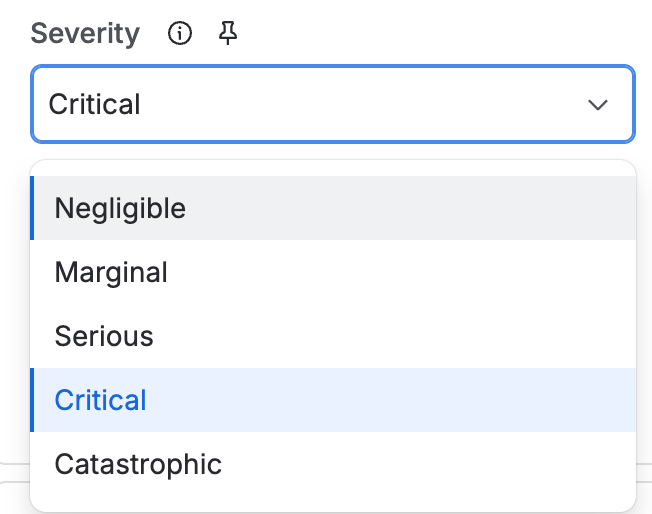
The Severity field open on a harm, offering Negligible, Marginal, Serious, Critical, and Catastrophic. - Use the Evidence field to link the documents that support the applicability and the severity.
- Move the harm to Applicable.
- If your product cannot cause the harm, fill in the Justification and move it to Not applicable.The Justification has to be set before this transition will run.
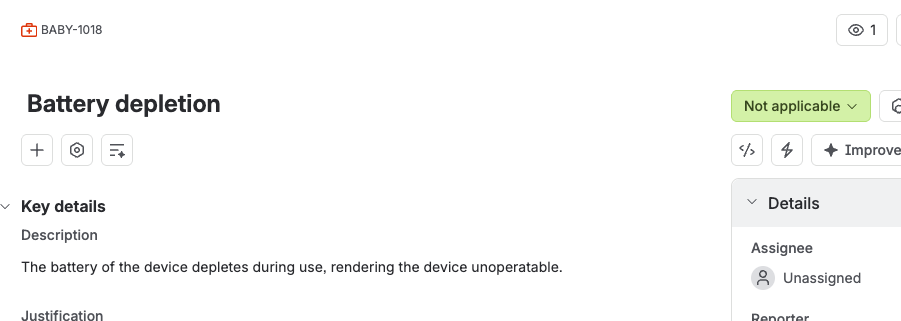
A harm ruled Not applicable, with the description explaining that the battery depletes during use.
Have the harms and severities reviewed clinically
The link between a harm and its severity is a clinical judgement, not an engineering one. Use the Harms document template to put your harms in front of a chief medical officer or a key opinion leader, and have them confirm the harm to severity mapping. That document goes through Document Control like any other.
Revise a harm you have already ruled on
A harm in Applicable or Not applicable is read-only. Move it to Outdated, change what needs changing, then rule on it again. Remember that a severity change re-scores every risk pointing at the harm.
Export harms to a controlled document
- In Confluence, open the Draft Documents space and create a document for the product the harms belong to.
- Complete the document, following the instructions written into the template.
- Take it through approval in Document Control.
- Link the approved document back to each harm.
When the list is complete
- Every harm is listed and current.
- Every harm has a severity.
- Every harm has been reviewed and approved in Document Control.